[Maeumjigi 畢業設計開發日誌 #6] 自動化報告流水線: python-docx 可視化與 Next.js 14 前端啟動

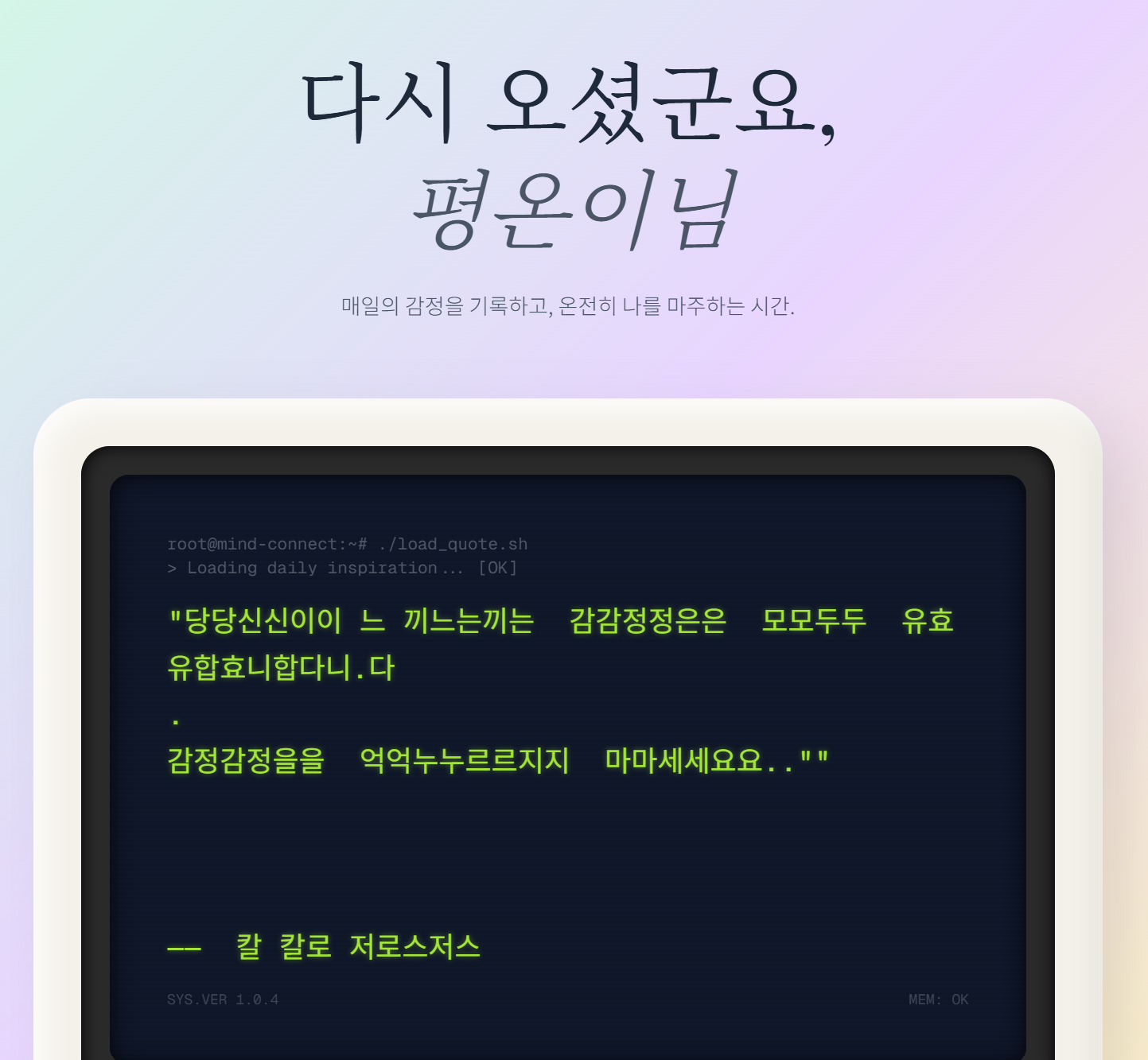
April 5, 2026, marked a decisive operational turning point for the Maeumjigi capstone project. Having completed four iterative versions of data cleansing (v1 through v4), our team needed to accomplish two critical engineering objectives:
- Automated Faculty Reporting: Synthesizing our 120,000-sample preprocessing journey into an executive DOCX report with dynamic statistical charts.
- Next.js 14 Frontend Scaffolding: Launching the client-side architecture capable of handling low-latency server-sent events (SSE) for streaming model responses.
1. The Autonomous Report Compiler: python-docx + matplotlib
In traditional academic engineering, compiling comprehensive documentation often consumes more time than the actual coding. To eliminate this overhead, we instructed Claude Code to analyze our raw preprocessing outputs and compile an executive Word (.docx) report autonomously.
flowchart LR
    subgraph Data_Metrics ["Preprocessing Metric Logs"]
        A[v1_raw_stats.json]
        B[v2_dedup_stats.json]
        C[v3_pii_stats.json]
        D[v4_final_stats.json]
    end

    subgraph Compiler_Engine ["Autonomous Python Compiler"]
        E[Matplotlib Chart Engine]
        F[python-docx Document Builder]
        A & B & C & D --> E
        E -->|High-Res PNG Graphs| F
    end

    subgraph Deliverables ["Generated Artifacts"]
        F --> G[(Maeumjigi_Data_Preprocessing_Final_Report.docx)]
        F --> H[Emotion Distribution Radar & Bar Charts]
    end
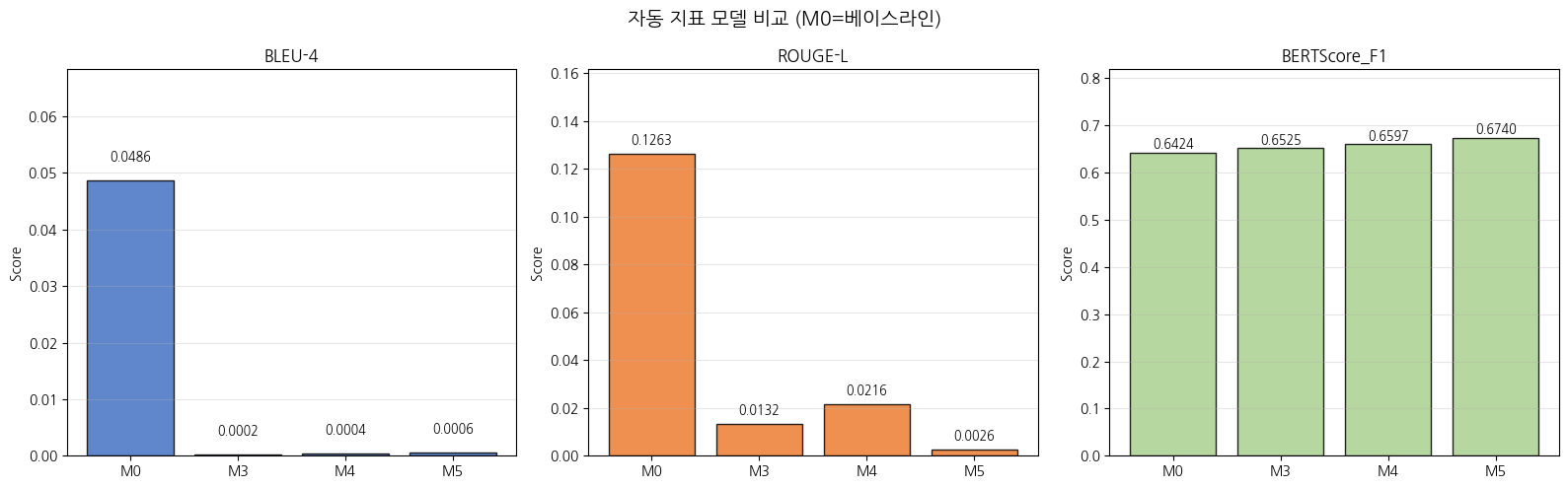
The automated script parsed iteration metadata, calculated statistical variances across dialogue turns, rendered 300 DPI Matplotlib figures, and injected them directly into a pre-styled Word template:
# Automated report compiler snippet: compile_report.py
from docx import Document
from docx.shared import Inches, Pt
import matplotlib.pyplot as plt

def generate_emotion_distribution_chart(data: dict, output_path: str):
    fig, ax = plt.subplots(figsize=(8, 4), dpi=300)
    categories = list(data.keys())
    counts = list(data.values())
    ax.barh(categories, counts, color='#3B82F6')
    ax.set_title("Maeumjigi v4 Corpus: Emotion Distribution", fontsize=12)
    plt.tight_layout()
    plt.savefig(output_path)
    plt.close()

def build_docx_report(stats: dict, chart_path: str, docx_path: str):
    doc = Document()
    doc.add_heading("Maeumjigi Data Preprocessing Final Technical Report", level=0)
    doc.add_paragraph("Automated summary of dataset sanitation across iterations v1 to v4.")
    doc.add_picture(chart_path, width=Inches(6.0))
    doc.save(docx_path)
2. Multi-Version Data Sanitation Progress (v1 to v4)
Through four iterative refinement cycles, our dataset evolved from noisy raw scraping into an ethically sound, clinical-grade instruction corpus:
| Iteration | Record Count | Average Turn Length | Primary Engineering Focus | Key Anomaly Filtered |
|---|---|---|---|---|
| v1 | 124,500 | 18.4 tokens | Initial raw ingestion and JSON unification | Null utterances and broken encoding |
| v2 | 114,800 | 24.2 tokens | Exact & fuzzy deduplication (MinHash LSH) | Scripted chatbot loops and duplicate turns |
| v3 | 102,600 | 32.8 tokens | NER-based PII redaction and profanity mask | Telephone numbers, military unit IDs, names |
| v4 (Final) | 92,400 | 45.6 tokens | Empathetic depth scoring & 2048 token cutoff | Truncated responses and low-empathy short phrases |
3. Next.js 14 App Router Frontend Architecture
With data readiness secured, we turned our focus to user interaction. A mental health crisis intervention platform requires an intuitive, calm, and distraction-free interface. We initialized Next.js 14 using the App Router, configuring Tailwind CSS for styling and Zustand for lightweight global state management:
maeumjigi/frontend/
├── app/
│   ├── layout.tsx         # Global typography & dark-mode provider
│   ├── page.tsx           # Crisis landing page & immediate help triggers
│   └── chat/
│       ├── page.tsx       # Real-time streaming chat canvas
│       └── components/
│           ├── MessageList.tsx  # Virtualized dialogue stream
│           ├── ChatInput.tsx    # Debounced voice & text input
│           └── SafetyModal.tsx  # Emergency hotline escalation overlay
├── stores/
│   └── useChatStore.ts    # Zustand store: session state & stream buffers
└── tailwind.config.js     # Accessible color palette with high contrast
sequenceDiagram
    autonumber
    actor User as Client User
    participant Next as Next.js 14 App Router
    participant API as FastAPI Gateway
    participant LLM as Llama 3.1 / Qwen Engine

    User->>Next: Types distress message
    Next->>API: POST /api/chat/stream (SSE)
    API->>API: Safety Wrapper: Zero-shot triage
    alt Active Crisis Detected
        API-->>Next: event: emergency_escalation (109 / 1393)
        Next-->>User: Render SafetyModal & Instant Hotline Dial
    else Standard Empathetic Turn
        API->>LLM: Stream inference tokens
        LLM-->>API: Yield delta token
        API-->>Next: event: text_delta
        Next-->>User: Smooth typing animation on MessageList
    end
4. Day 6 Engineering Milestones
- Zero Documentation Friction: Completed faculty-ready DOCX and graphic summaries without manual formatting.
- Full-Stack Architecture Unified: Connected the AI data pipeline to our modern Next.js 14 web client.
- Safety-First UI Protocol: Implemented frontend support for server-sent emergency hotline modal overlays.
In Dev Log #7, we explore synthetic data generation optimizations and how we bridged the gap between raw data and real-time frontend responses!